DELETED PHOTOS & VIDEOS RECOVER :
To begin the recovery process for any
lost media files, checking these two places will provide an opportunity to
retrieve most likely lost media files:
1. Recently Deleted Folder on Mobile
Devices
If you have an Android mobile device
check the gallery app. Most Android mobile devices will have a “recently
deleted” folder whereby photographs will remain for
approximately 30 days after deletion.
If you are using an iOS-based mobile
device, you can check the recently deleted folder by going into your Photos
app, deleted photos will remain there for approximately 30 days after deletion.
If you use cloud services such as:
- Google Photos
- iCloud
you can check the trash section in
that app.
In many cases, the solution is usually
there and you can restore files.
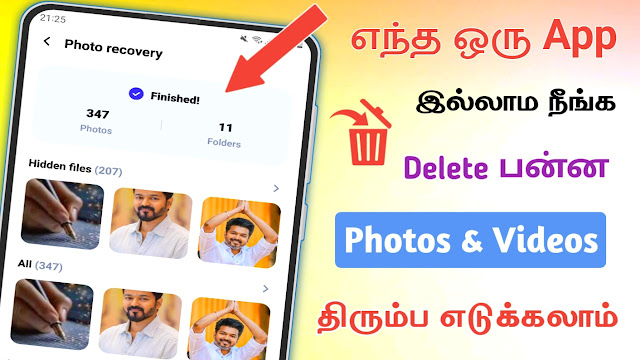
2. Recycle Bin- Computer
When a user deletes a photo or video
when using laptop, the photo or video is sent to the Recycle Bin
For any file that has been deleted
should go to the Trash check and restore it.
It’s that easy!
3. Recovering Deleted Photos in Andriod
If the files are located in your
Recently Deleted folder You can use various online recovery
programs to help recover any deleted memory.
Some examples of the types of data
recovery software that are available are:
DiskDigger
- Install recovery software on a
computer, not directly onto the same Android phone - Connect Android phone to the computer.
- Recovering Deleted Photos & Video
Files from your SD Memory Card
Many people throughout India still
utilize the use of SD memory cards for both camera and phone photo/video
storage.

If you’ve deleted photos from your
memory card:
- Remove the SD memory card
immediatly. - Do not capture any new photographs.
- Utilize data recovery software on a
computer.
Examples of Popular Recovery Software
used on SD Memory Cards:
Desk digger
After inserting the card, you will
then be able to scan the card using the recovery software.
Both wedding photographers and studio
professionals utilize similar data recovery software to recover their client’s
photographs.